
Browse the workshop library
Projects & videos
Projects I’ve made, tools I’ve tested, and how I did it.
40 results
-
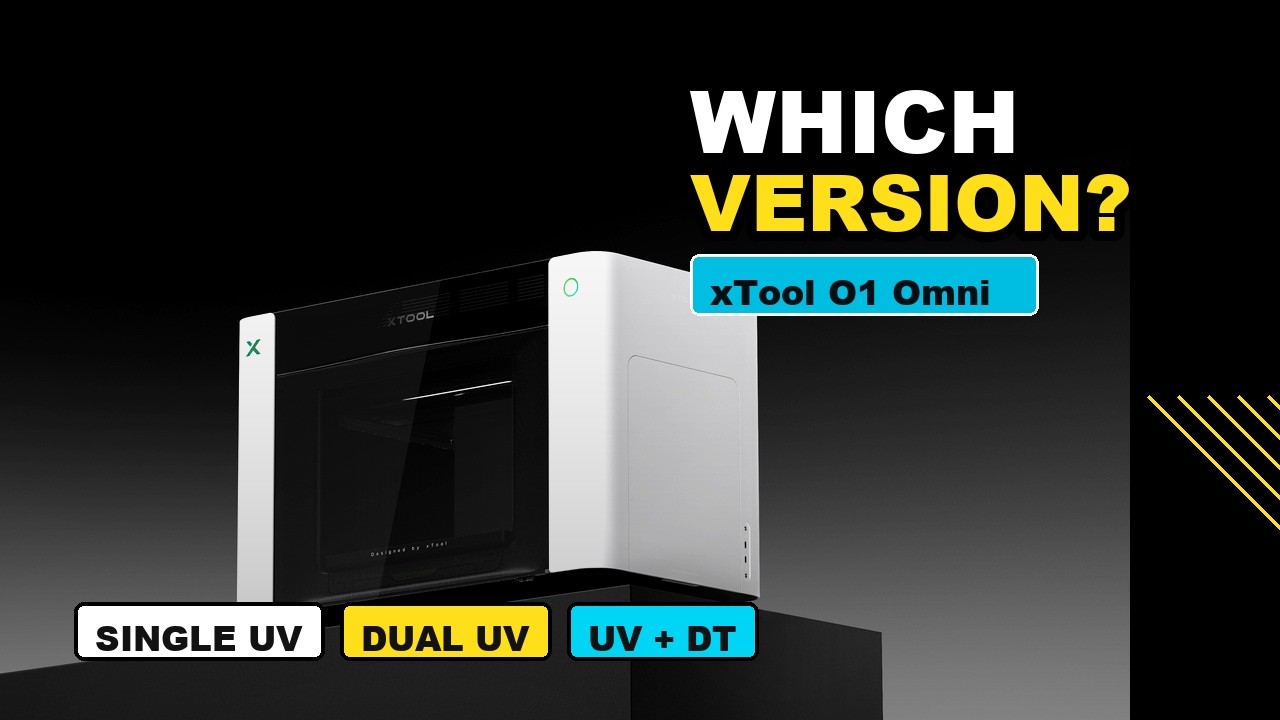
Which xTool O1 Omni Should You Buy?
I break down the single-head, dual-head and UV + DT versions of the xTool O1 Omni so you can figure out which one actually…
-
xTool O1 Omni Preorder Is Live: Here’s What You Need to Know
I go over the newly announced xTool O1 Omni, its three models, preorder pricing and features, plus what I plan to test once my…
-
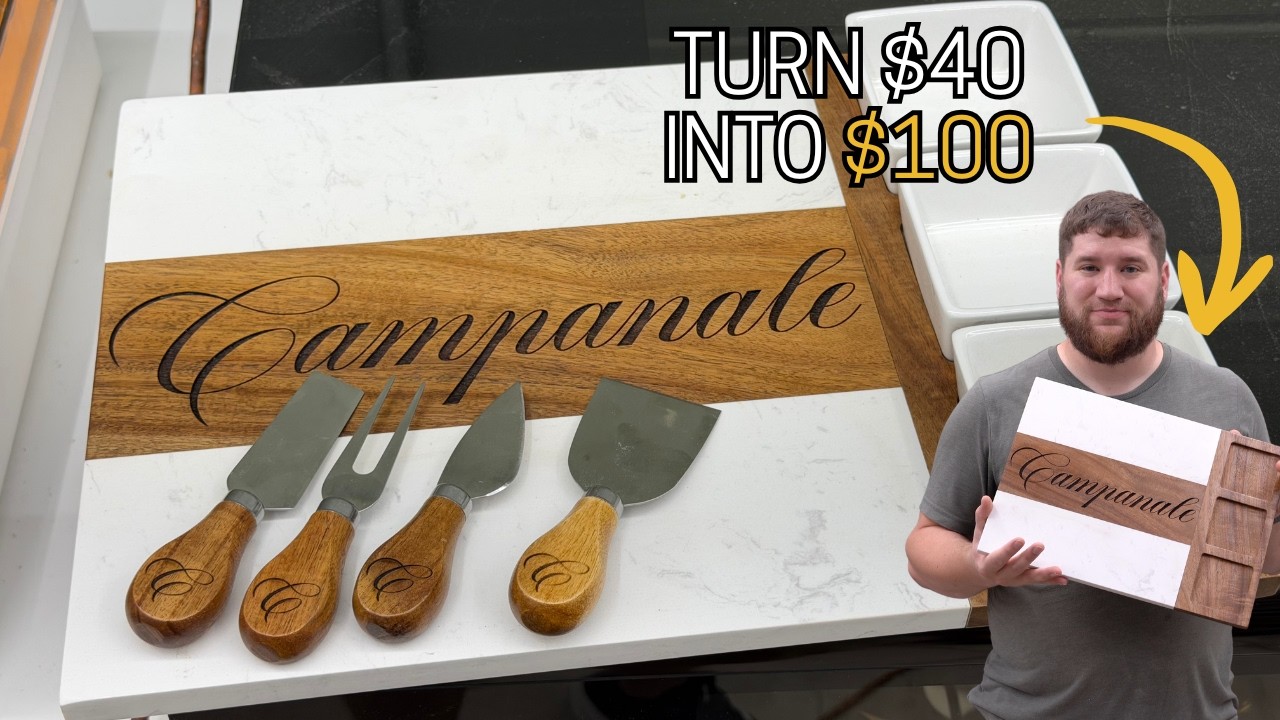
A High Profit Laser Project You Can Make in About 35 Minutes
I engrave a personalized MakerFlo marble and acacia serving board on my xTool lasers and talk through why I’d price it around $90 to…
-
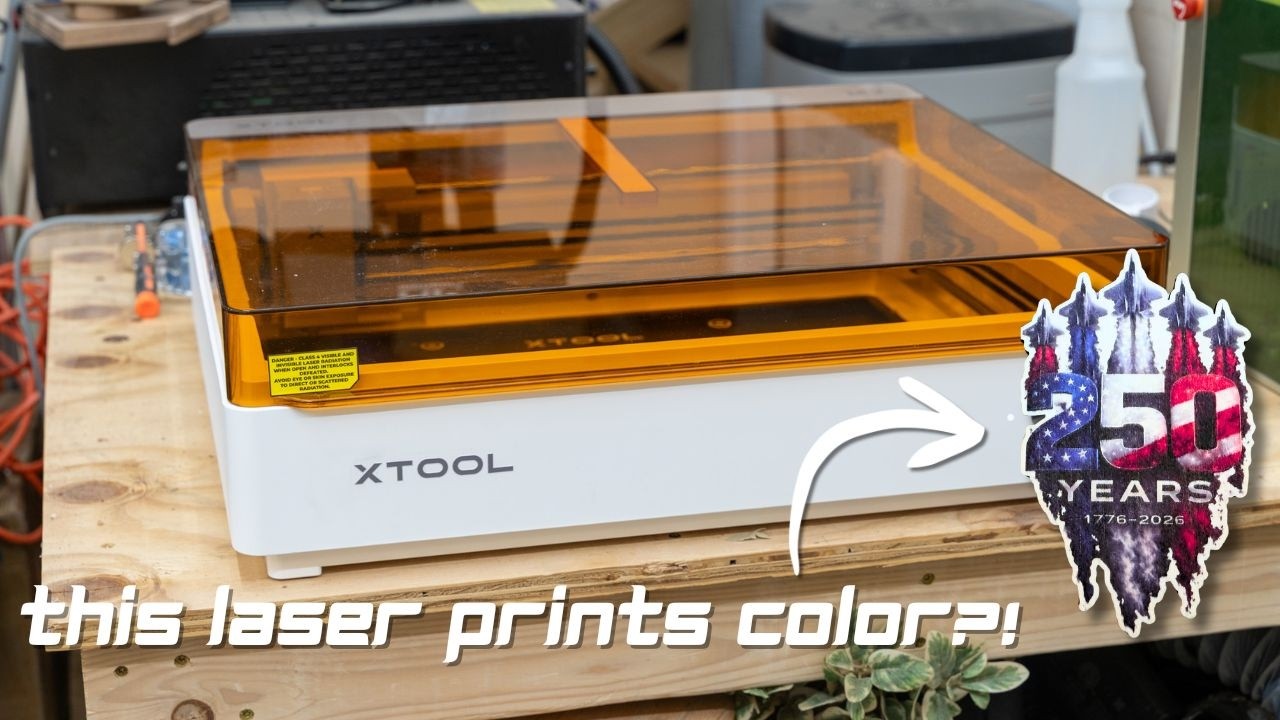
This Is Not a Normal Laser…
I unbox the xTool M2, a laser with a CMYK print head, and try some beginner projects to get a first look at what…
-
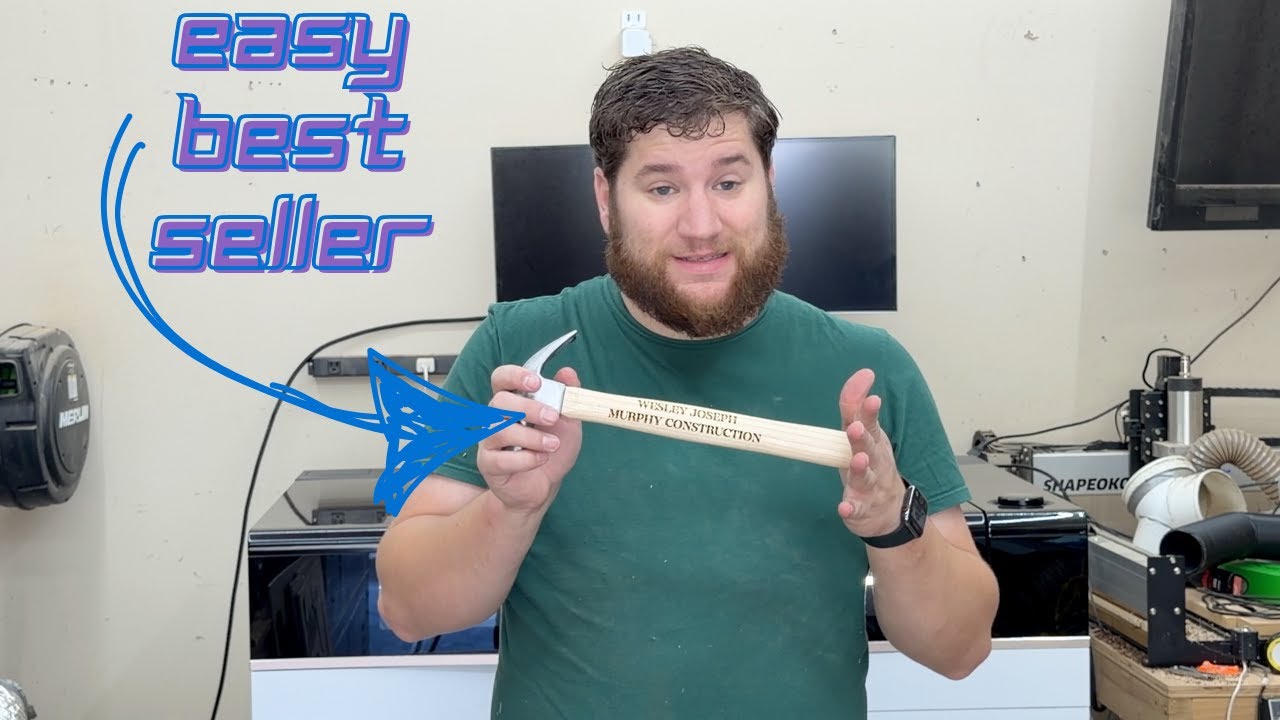
This Easy Project is My #1 Best-Seller
I show how I engrave personalized wooden-handled hammers, one of my most consistent sellers, in about two minutes on the xTool P3.
-
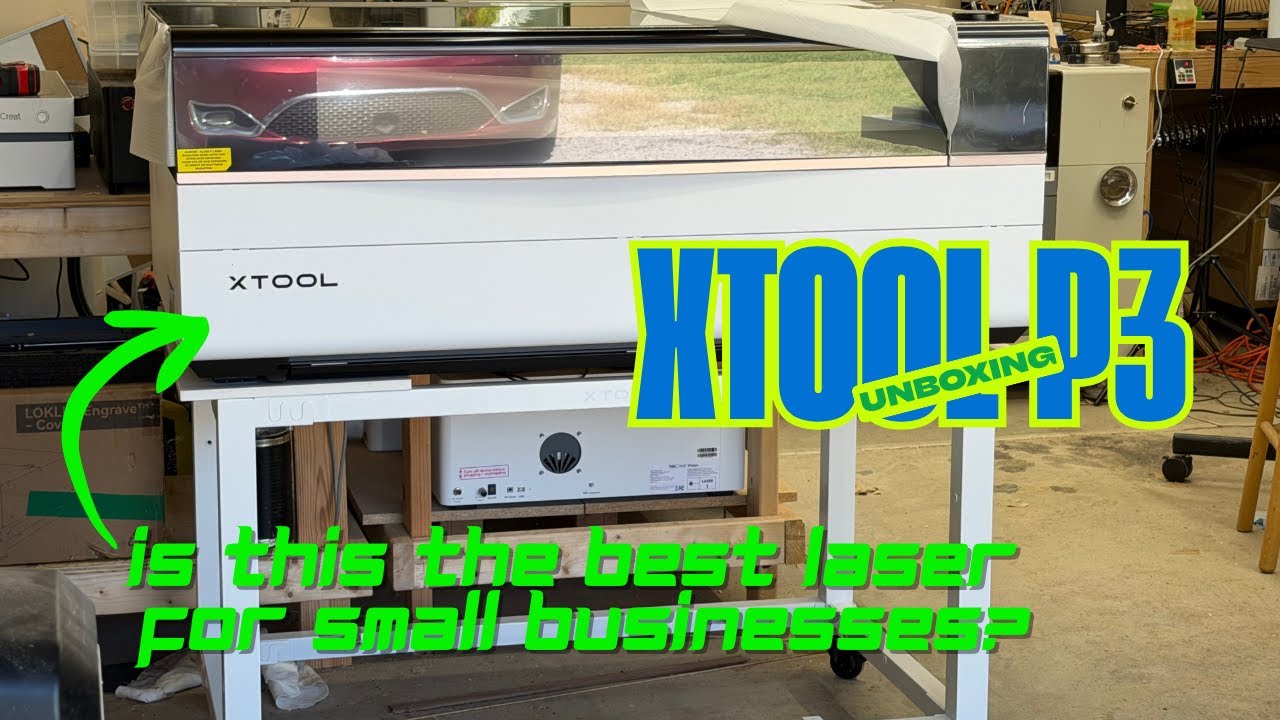
This 80W Laser is Beginner-Friendly?! | xTool P3 Setup & Project
I unbox and set up the xTool P3, an 80W CO2 laser, and make a wall sign from wood and acrylic to show how…
-
5 Christmas Presents You Can Make With Your @xToollaser F1 Ultra
I make five simple Christmas gifts on the xTool F1 Ultra, from leatherette ornaments to slate coasters, so you can see how each one…
-
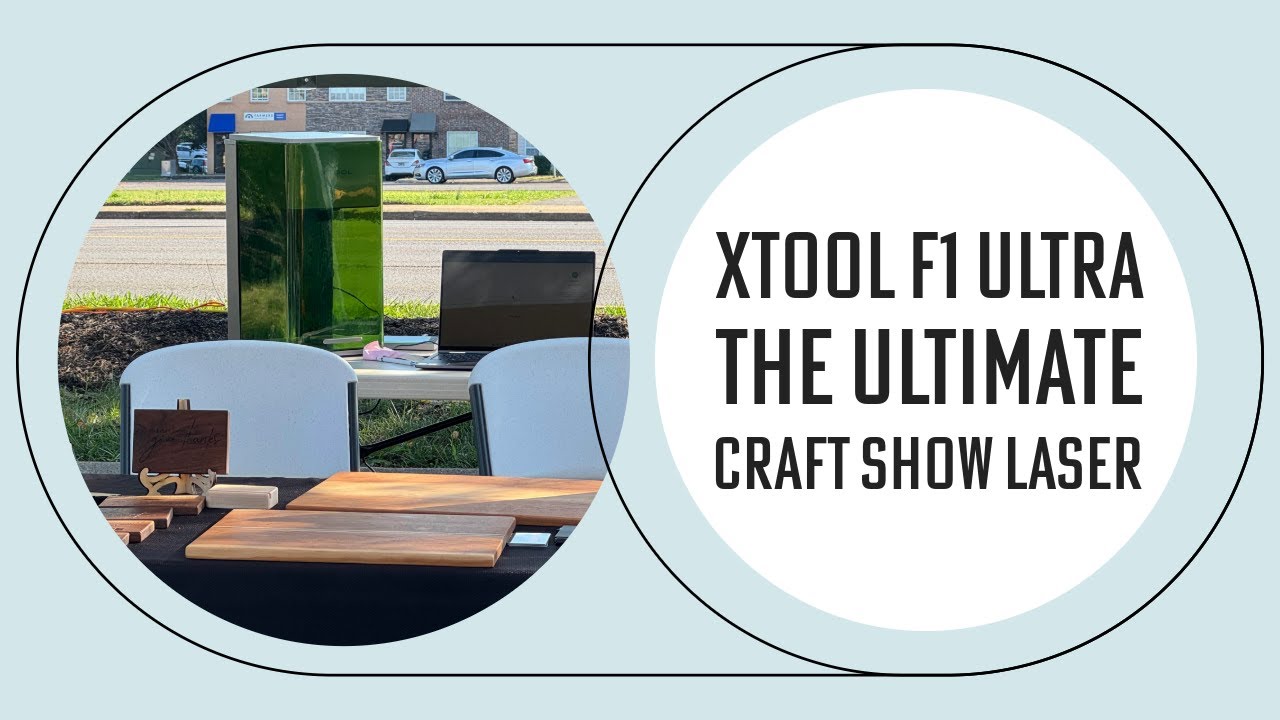
xTool F1 Ultra: The Perfect Craft Show Laser
I take the xTool F1 Ultra to a craft show and share how it handled on-site personalization, including the nearly $1000 I made in…
-
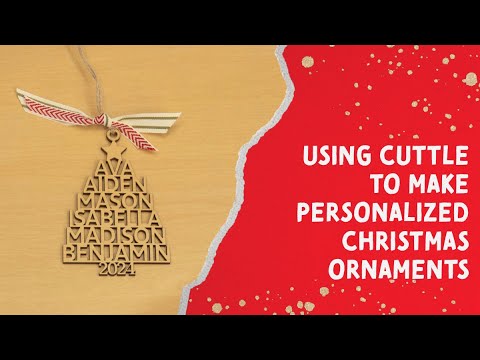
@Cuttle: The Hidden Secret to Customizable Christmas Ornaments with Your Laser
I use Cuttle to design a customizable Christmas ornament, then cut it on my laser in about five minutes, start to finish.
-
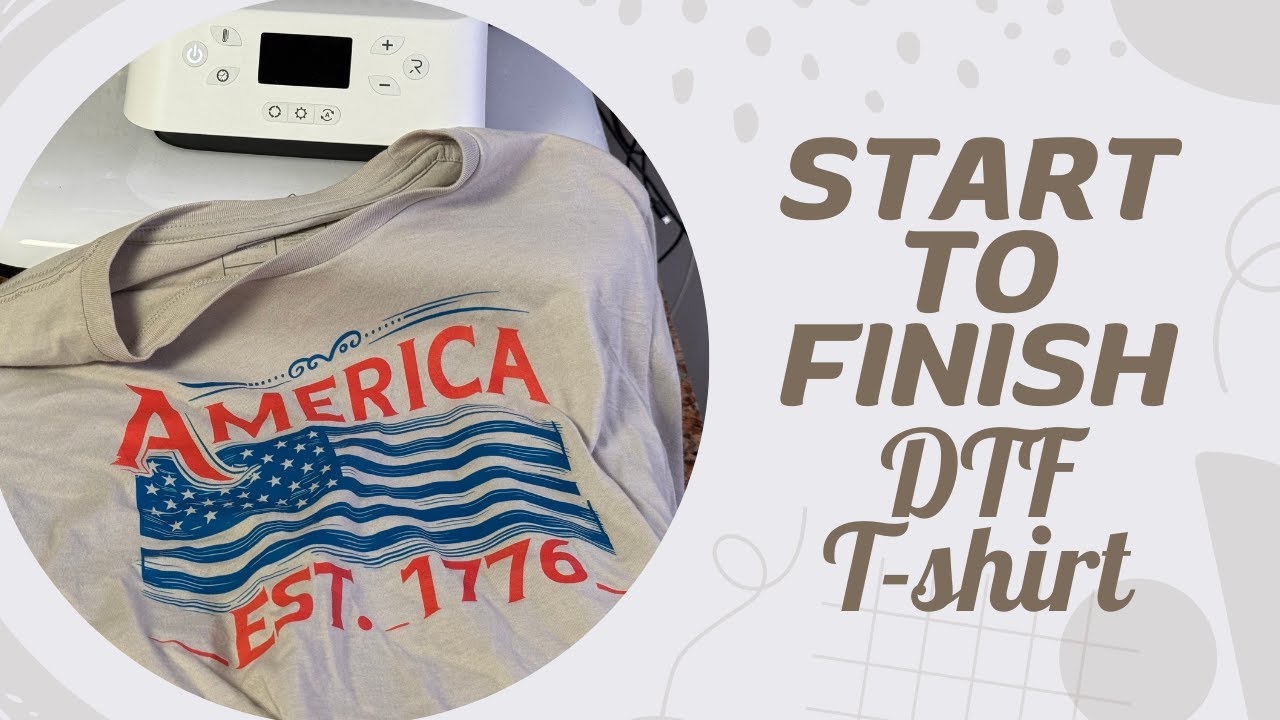
Start to Finish DTF T-Shirt Project – Easier Than You Think With Your @ProcoloredPrinter
I make a DTF t-shirt from start to finish on my Procolored L1800, from picking the design to pressing it, to show it’s easier…
-
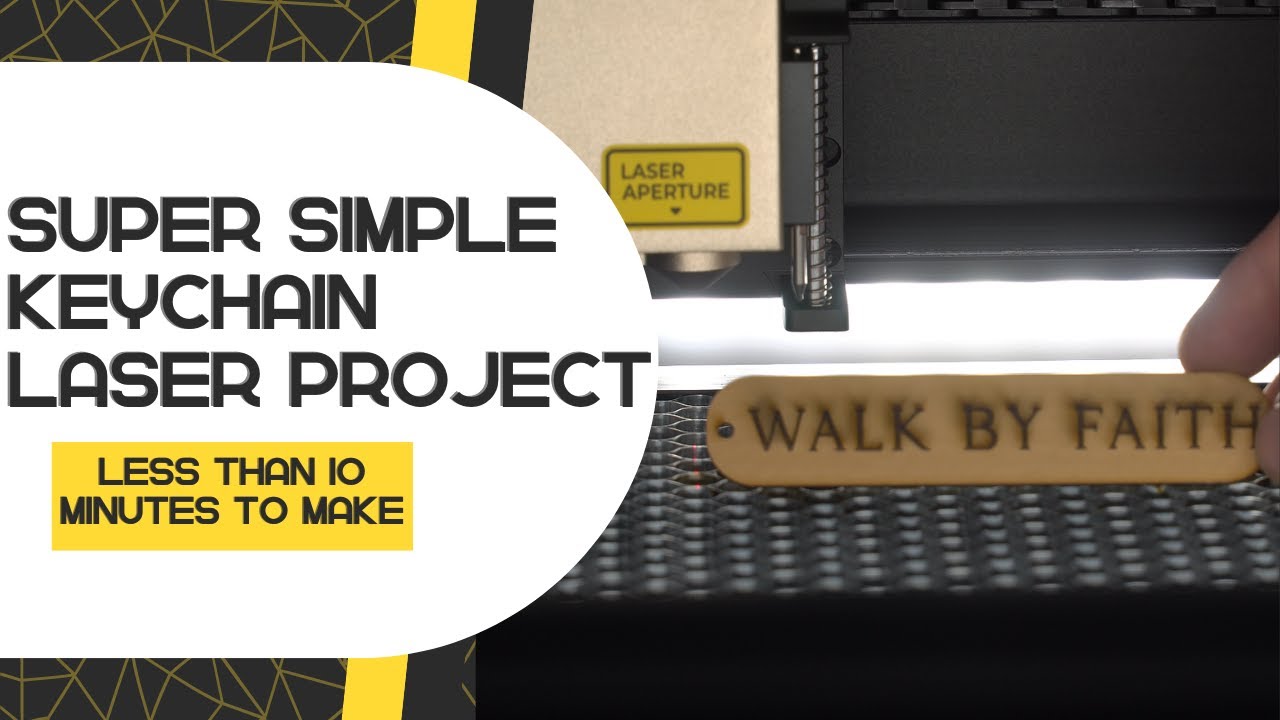
Easy project you can make AND SELL with ANY LASER! | Featuring @xToollaser S1 40W
I design and cut a simple personalized keychain on the xTool S1 40W, a quick beginner-friendly project you can make on almost any laser.
-
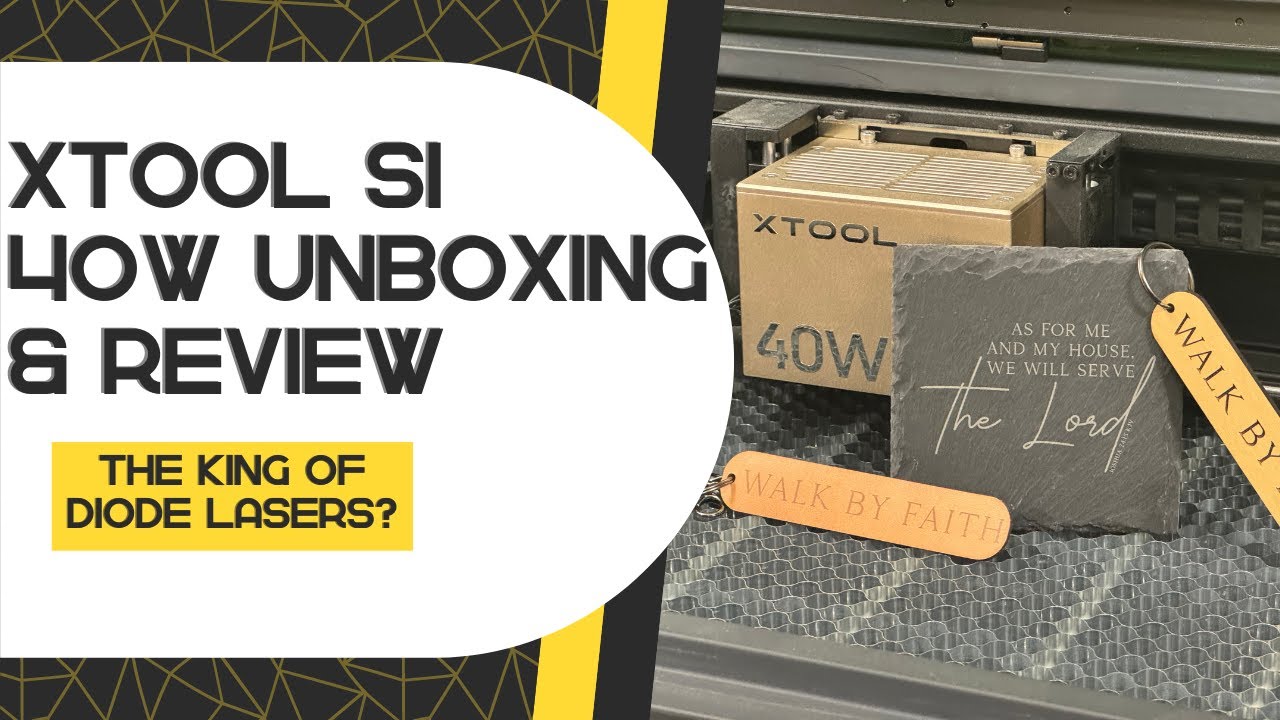
Is this the king of diode lasers? | @xToollaser S1 40W Unboxing and Review
I unbox the xTool S1 40W diode laser and test it on walnut, plywood, leather and slate to see whether it lives up to…
-
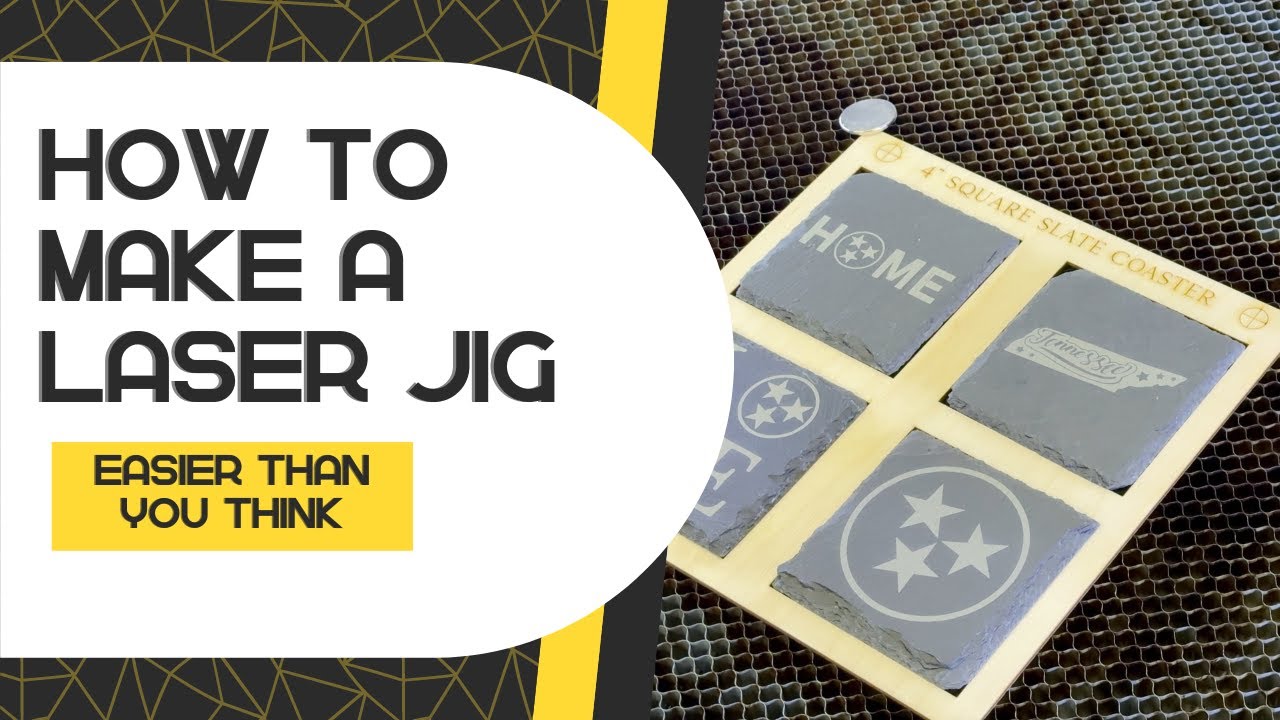
You won’t believe how easy it is to make this laser jig
I make a reusable laser jig in LightBurn so coasters and other repeat projects line up the same way every time.
-
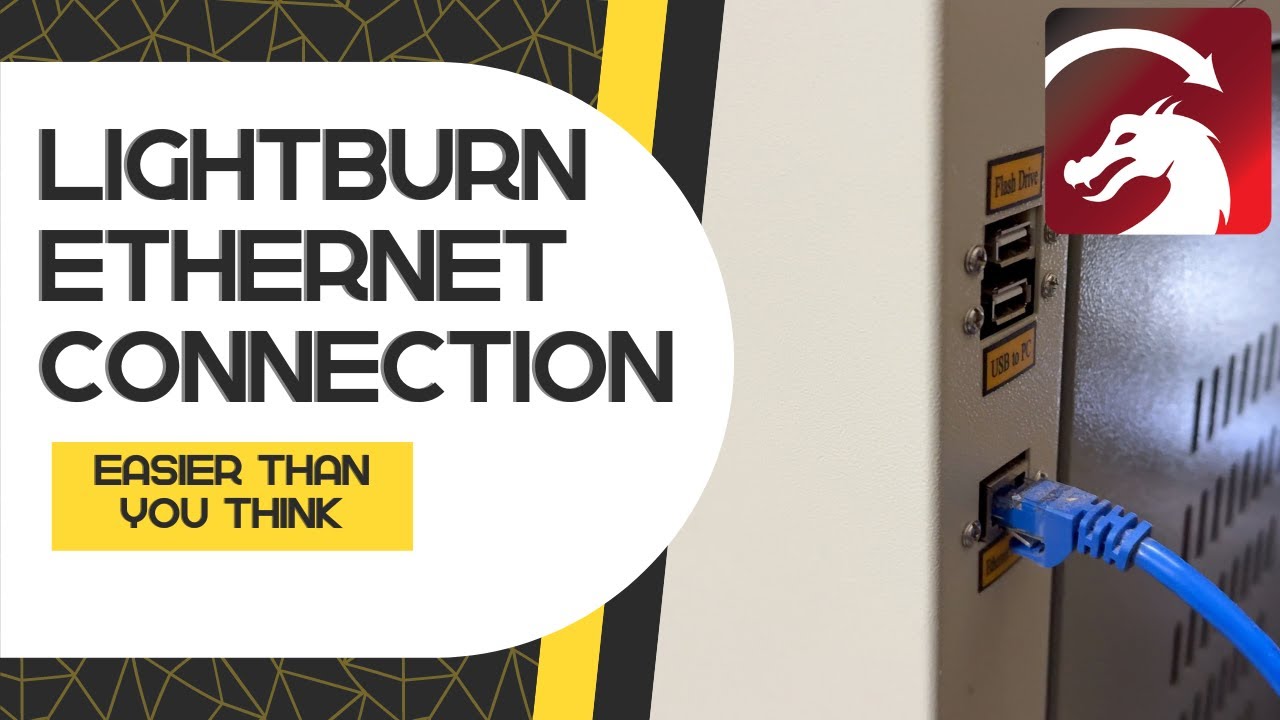
Connecting to your laser with Lightburn over Ethernet – Easier than you think
I show how to connect a Ruida-controlled laser to LightBurn over Ethernet, which is easier than it sounds and only takes a few steps.
-
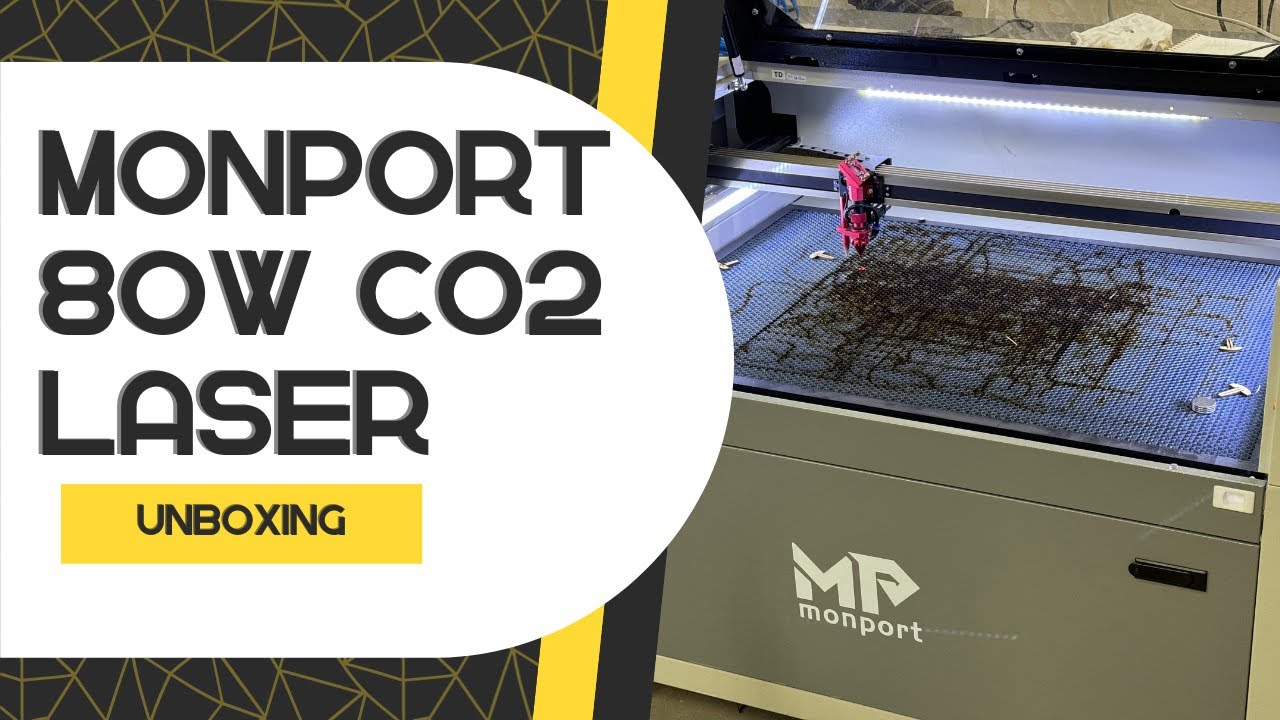
Unboxing the @monportlaser 80W CO2 laser engraver
I unbox and set up my Monport 80W CO2 laser, go over what comes in the box and fire it up for the first…
-
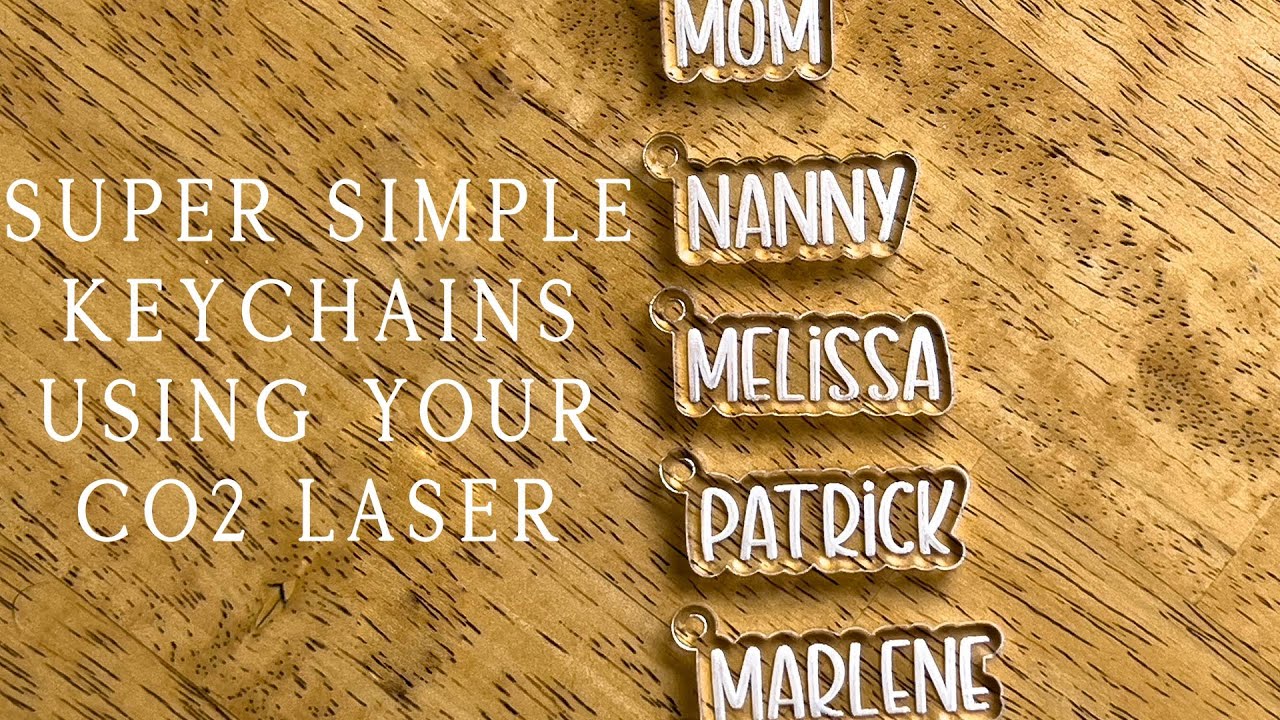
SUPER EASY project you can do with your @monportlaser #K40 laser TODAY
I make a quick customizable keychain on my Monport K40, a simple first project you can do on any CO2 laser.